
Today’s businesses need more than just a firewall to stay secure. Attackers are targeting endpoints, cloud applications, emails, and everything in between, but deploying a multi-layered security strategy can help you cover more than just your network perimeter.
Understanding what each layer of network security does is the first step toward improving your cybersecurity posture. Read on to explore the different types of network security, their real-world applications, and how they work together to defend your organization.
Key Takeaways
- Effective network security is layered, combining technical, physical, and administrative controls so that no single tool has to carry the whole load.
- The essential types span perimeter defenses (firewalls, IDPS), access controls (NAC, VPNs, MFA), endpoint and data protection, plus proactive vulnerability management and cloud security with Zero Trust.
- Because the layers back each other up, finding weaknesses early and verifying every user matters as much as blocking threats at your perimeter.
What Is Network Security?
Network security involves protecting an organization’s IT infrastructure from common threats like unauthorized access and attacks – a must, considering 72% of security leaders say cyber risks have risen in the past year.1 It combines technologies, policies, and best practices to help businesses prevent disruptions and maintain compliance with standards like PCI DSS, HIPAA, and ISO 27001.
Network Security Controls: Technical, Physical & Admin
Every network security measure falls into one of three categories: technical, physical, and administrative controls. Most of the types below are technical, but a resilient strategy needs all three. Knowing which category a control belongs to make it easier to spot the gaps in your defenses.
Technical Controls
Technical controls are the hardware and software that protect data as it moves across and rests on your network. Firewalls, encryption, intrusion prevention, and access control all live here. They handle the day-to-day work of inspecting traffic, blocking unauthorized connections, and scrambling sensitive data so it stays useless to anyone who intercepts it. This is the category most people picture when they think about network security.
Physical Controls
Physical controls protect the hardware your network runs on. Locked server rooms, badge readers, surveillance cameras, and restricted access to networking gear all count. The reasoning is simple. The strongest firewall in the world won't help if someone can walk up to a server and plug in a rogue device. Physical security is easy to overlook, but everything else is built on top of it.
Administrative Controls
Administrative controls are the policies and procedures that govern how people use the network. Access policies, employee security training, incident response plans, and acceptable-use rules shape behavior before a technical control is ever tested. A Zero Trust model sits here too, defining who has to verify their identity and when. These controls turn security from a pile of tools into a repeatable practice.
The types that follow are mostly technical controls, since that's where network defense is most active. Keep the other two categories in mind as you read, because the most resilient setups combine all three.
What Are the Network Security Types?
Some network security solutions focus on keeping threats out, others on spotting suspicious activity, and some on controlling what users and devices can access. Here’s a breakdown of the main types of network security and how they’re used.
1. Firewalls
Firewalls are one of the best-known network security tools. They help filter traffic going in and out of your network so that only approved data gets through.
How Firewalls Work
Network firewalls follow predefined security rules to decide what traffic should be allowed or blocked, typically based on IP address, port, application, or protocol. That makes it easier to prevent unauthorized access or risky behavior.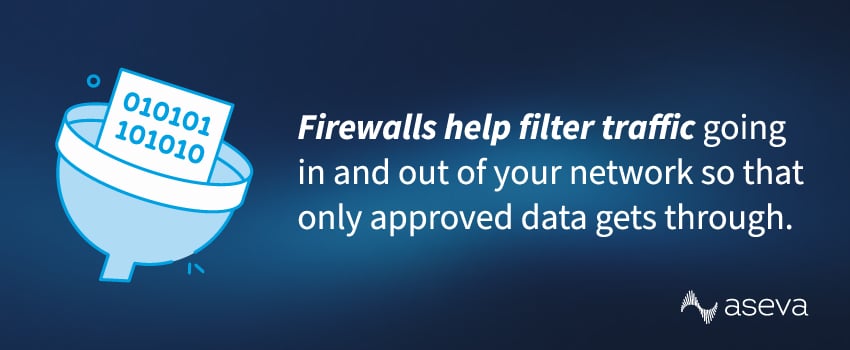
Real-World Applications
- Protecting company networks from external attacks.
- Segmenting internal departments to contain potential breaches.
- Enforcing policies for remote access and branch connectivity.
At Aseva, we deploy and manage both traditional and next-generation firewalls (NGFWs) as part of our managed security services – integrating features like intrusion prevention, application visibility, automated threat detection, and more.
2. Intrusion Detection and Prevention Systems (IDPS)
An IDPS identifies suspicious activity within your network and takes action to stop it. It’s useful for catching attacks that might slip past a firewall.
How IDPS Works
IDPS tools use signature-based and behavioral analysis to monitor network traffic for signs that a threat is present, like repeated login failures or abnormal traffic volumes. Then, they alert your team or block the activity automatically.
Real-World Applications
- Detecting internal or external attack attempts in real time.
- Preventing lateral movement within a compromised network.
- Supporting incident response and forensic analysis.
We often recommend IDPS as part of a broader threat detection and response plan, especially for larger environments.
3. Vulnerability Management
Exploitation of unpatched vulnerabilities was behind 20% of breaches last year, a 34% jump from the year before.[footnote 5] Vulnerability management is the ongoing process of finding and fixing those weak points before attackers reach them.
How Vulnerability Management Works
Vulnerability management runs as a continuous cycle, not a one-time scan. Tools discover every asset on your network, check each one against databases of known flaws, and rank what they find by severity and how easily it can be exploited. Your team then patches or mitigates the highest-risk issues first and confirms the fix held. New vulnerabilities are disclosed every day, so the cycle never really stops.
Real-World Applications
- Prioritizing which CVEs to patch first across thousands of assets.
- Hardening internet-facing edge devices and VPNs before they're exploited.
- Demonstrating due diligence for compliance audits and cyber insurance.
Vulnerability management pairs naturally with hands-on testing. Aseva's vulnerability management and penetration testing services give you continuous visibility into your attack surface and confirm your defenses hold up against real-world attacks.
4. Email Security Systems
Email is still a top entry point for phishing, which was the most common access vector for cyberattacks in 2025.2 Email security systems filter messages and block harmful content before it hits inboxes.
How Email Security Works
Email security tools analyze emails for suspicious links, malware attachments, and spoofed sender addresses. Some systems also scan outgoing messages to prevent data loss.
Real-World Applications
- Blocking phishing attempts and fraudulent attachments.
- Preventing credential theft through deceptive links.
- Ensuring compliance for industries that transmit sensitive data.
Strong email security tools act as a filter between your users and potential threats, protecting your network without slowing communication.
5. Network Access Control (NAC)
NAC governs who and what can connect to your network, which makes it one of the most helpful network security methods for enforcing compliance at the access level.
How NAC Works
When a user or device tries to connect to the network, NAC checks their credentials, device posture, and security settings. If something doesn’t meet the requirements, the system can block access or place the user on a limited network segment.
Real-World Applications
- Controlling guest access and IoT device connectivity.
- Enforcing bring-your-own-device (BYOD) security policies.
- Maintaining compliance through endpoint verification.
NAC is especially helpful for businesses embracing remote and hybrid work models. Aseva helps companies set up NAC to strengthen their access policies without creating unnecessary friction for end users.
6. Virtual Private Networks (VPNs)
VPNs give employees a secure way to connect to your network from outside the office, making it another important tool for enabling employee mobility.
How VPNs Work
VPNs create a “tunnel” between a connecting user’s device and your network that encrypts traffic, so your business stays protected even if someone accesses it via an unsecured channel like public WiFi.
Real-World Applications
- Secure remote access for employees and contractors.
- Encrypted connections between branch offices and data centers.
- Protection for mobile users accessing public Wi-Fi.
Managed VPN solutions deliver encryption, scalability, and centralized monitoring without the backend management – a great option for hybrid and multi-site enterprises.
7. Multi-Factor Authentication (MFA)
Microsoft reports that multi-factor authentication blocks more than 99.2% of account compromise attacks.[footnote 6] MFA delivers that protection by requiring more than just a password to log in.
How MFA Works
MFA asks users to confirm their identity with two or more factors: something they know (a password), something they have (a phone or hardware token), and something they are (a fingerprint or face scan). Even if an attacker steals a password, they can't get in without the second factor. Most business systems deliver that factor through an authenticator app, a push notification, or a physical security key.
Real-World Applications
- Protecting cloud and SaaS logins like Microsoft 365 and Salesforce.
- Securing VPN and remote access for hybrid and traveling staff.
- Locking down privileged admin accounts that attackers prize most.
MFA works best as part of a broader identity strategy. It reinforces the access controls behind NAC and a Zero Trust approach, where every user and device is verified before it connects.
8. Endpoint Security and Antivirus Protection
70% of successful breaches in 2024 began on endpoint devices like laptops and phones.3 Endpoint security tools help keep them protected.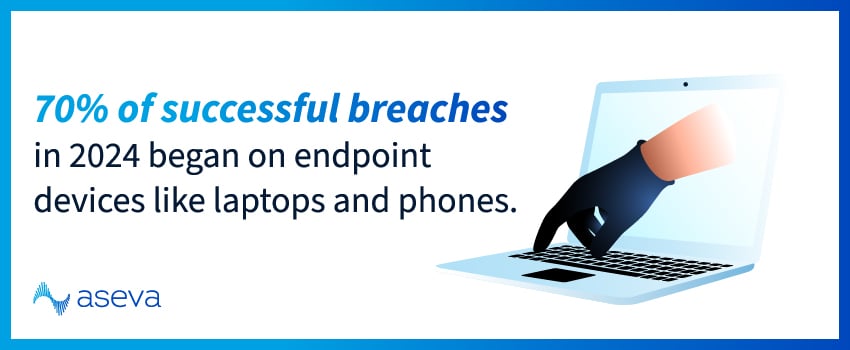
How Endpoint Security Works
Endpoint security tools run on the device itself and watch for risky behavior. They can block malware, quarantine infected files, and alert admins when something suspicious happens.
Real-World Applications
- Preventing malware infections and ransomware attacks.
- Managing security policies across thousands of devices.
- Detecting anomalies in user behavior for faster remediation.
Aseva’s endpoint solutions include antivirus, EDR, and integration with your central dashboard for real-time visibility.
9. Data Loss Prevention (DLP)
DLP is designed to stop data in motion, at rest, or in use from being shared or accessed in ways it shouldn’t be.
How DLP Works
DLP solutions monitor network traffic and endpoints for data patterns like credit card or social security numbers. If a match is found, the system can block the action or alert your team.
Real-World Applications
- Protecting intellectual property or client data.
- Ensuring compliance with data protection laws.
- Preventing insider threats or misconfigured cloud storage.
Integrating DLP with cloud firewall management can help ensure your data is secured across both on-prem and cloud platforms.
10. Network Segmentation and Access Control Lists (ACLs)
Segmentation breaks your network into smaller sections, each with specific access rules enforced through ACLs, to limit risk.
How Segmentation Works
Network segmentation lets you create zones for specific purposes, such as guest Wi-Fi, finance systems, or IoT devices. If one zone is compromised, the rest of your network stays protected.
Real-World Applications
- Isolating guest Wi-Fi or IoT networks.
- Restricting access to sensitive systems like finance or HR.
- Containing potential intrusions before they spread laterally.
Separating your network into smaller sections ultimately gives you better control over your security setup. 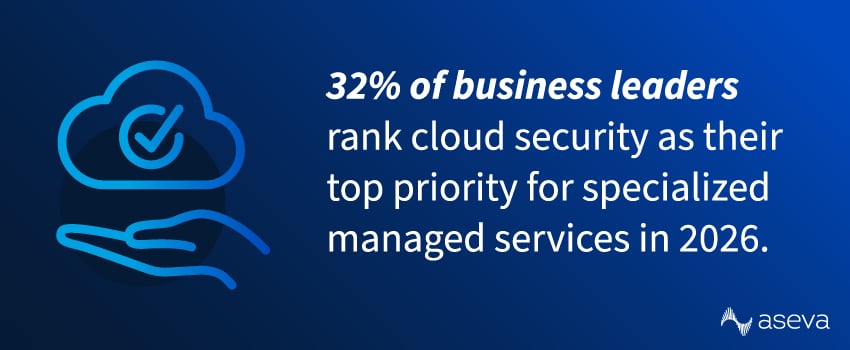
11. Cloud Security and Zero Trust Architecture
PWC’s 2026 Global Digital Trust Insights revealed that 32% of business leaders rank cloud security as their top priority for specialized managed services.4 Adding cloud security and Zero Trust solutions adds extra protection by verifying every user and device before granting access.
How Cloud Security Works
Cloud-based controls like Secure Web Gateways (SWG), Cloud Access Security Brokers (CASB), and Firewall-as-a-Service (FWaaS) help security teams monitor and control access to apps and data hosted in the cloud.
Real-World Applications
- Protecting data in SaaS platforms like Microsoft 365 or Salesforce.
- Enforcing policies across multi-cloud infrastructures.
- Supporting remote workforces with identity-based security.
Aseva’s managed network security solutions integrate cloud-based tools like Fortinet and SASE to deliver scalable protection across all your environments.
How a Layered Approach Brings Your Network Security Systems Together
No single security tool can defend against every threat. The most resilient network security systems combine multiple layers of protection, each addressing a different attack vector.
For example:
- Firewalls block unwanted traffic at the edge
- VPNs secure remote access
- IDPS and endpoint tools help detect active threats
- NAC and segmentation limit movement if something does get through
This defense-in-depth model ensures that even if one layer fails, others continue to protect your business.
Build a Stronger Security Framework With Aseva
Creating a multi-layered security strategy is critical for keeping modern businesses protected. However, choosing the right mix of network security methods can feel overwhelming, especially if you’re not sure where to start. That’s where Aseva can help.
We work with you to build and manage a network security strategy that fits your network and operational needs. From firewall management and Zero Trust frameworks to cloud security and compliance support, our team brings both expertise and execution to every environment we manage.
Ready to strengthen your security posture? Get started with Aseva.
Types of Network Security FAQs
What is network security?
Network security is the practice of protecting an organization’s networks, systems, and data from unauthorized access, cyberattacks, and misuse. It combines technologies, policies, and processes to ensure confidentiality, integrity, and availability of information.
What are the four main types of network security?
The four core types are firewalls, intrusion detection and prevention systems (IDPS), network access control (NAC), and endpoint security. Together, they help block threats, monitor suspicious activity, control access, and protect devices connected to the network.
What are the network security types for Wi-Fi?
Network security types for Wi-Fi are the wireless encryption standards that protect data during transmission: WEP, WPA, WPA2, and WPA3. WPA3 is the newest and most secure. WPA2 (AES) is still the most common secure option for most devices. WPA is older, and WEP is obsolete and insecure and shouldn’t be used.
What are the types of attacks in network security?
Common network security attacks include phishing, malware and ransomware, denial-of-service (DoS) attacks, man-in-the-middle attacks, credential theft, insider threats, and exploitation of unpatched vulnerabilities.
How does network security work across a modern environment?
Network security works by combining multiple controls that prevent, detect, and contain threats across your network traffic, identities, endpoints, and data, with the goal of maintaining confidentiality, integrity, and availability. In practice, that means enforcing access rules, monitoring for suspicious behavior, segmenting sensitive systems, and applying encryption and policy controls consistently across on-prem and cloud resources.
Why network security matters for enterprise teams
Enterprises have a bigger attack surface: more users, more endpoints, more locations, and more cloud and SaaS usage. Network security reduces business risk by limiting unauthorized access, minimizing disruption, and providing the governance structure needed to operate safely at scale, especially when remote work and internet-facing systems are unavoidable.
What is the difference between network security and cybersecurity?
Cybersecurity is the broader discipline of protecting the use of cyberspace from attacks, while network security is a more specific subset focused on securing networks, connections, and the movement of data between systems. In other words, network security is a major part of cybersecurity, but cybersecurity also spans areas like application security, identity, governance, and risk management beyond the network itself.
What are the three types of network security controls?
Network security controls fall into three categories: technical, physical, and administrative. Technical controls include firewalls, encryption, and access control that protect data on the network. Physical controls cover locked server rooms, badge access, and surveillance that protect the underlying hardware. Administrative controls are the policies, training, and procedures that govern how people use the network. A strong security posture combines all three.
What is vulnerability management in network security?
Vulnerability management is the continuous process of identifying, prioritizing, and fixing security weaknesses across your network before attackers can exploit them. It involves scanning assets for known flaws, ranking them by risk, patching or mitigating the most dangerous ones first, and verifying the fix. Because new vulnerabilities appear every day, it runs as an ongoing cycle rather than a one-time project.
What is multi-factor authentication, and why use it?
Multi-factor authentication (MFA) requires users to verify their identity with two or more factors, such as a password plus a code from a phone or a fingerprint. Even if an attacker steals a password, they still can't log in without the second factor. That's why MFA is one of the most effective and lowest-cost security measures a business can deploy, blocking the large majority of automated account compromise attacks.
Sources:
- https://reports.weforum.org/docs/WEF_Global_Cybersecurity_Outlook_2025.pdf
- https://deepstrike.io/blog/Phishing-Statistics-2025
- https://purplesec.us/resources/cybersecurity-statistics
- https://www.pwc.com/us/en/services/consulting/cybersecurity-risk-regulatory/library/global-digital-trust-insights.html
- https://www.verizon.com/business/resources/reports/dbir/
- https://learn.microsoft.com/en-us/entra/identity/authentication/concept-mandatory-multifactor-authentication